Instructions for the online course: Driver training
- 26. Februar 2026
- Fahrerunterweisung nach UVV
- Posted by Car Mada
- Kommentare deaktiviert für Instructions for the online course: Driver training
To prevent accidents, the law and accident insurance providers require driver training when a vehicle is handed over, once a year during the period of use, and whenever changes are made.
On the following pages, we would like to briefly explain the most important steps for using the platform. As soon as the next driver training session is due, you will receive an email with a link. This link will take you directly to the relevant start page.
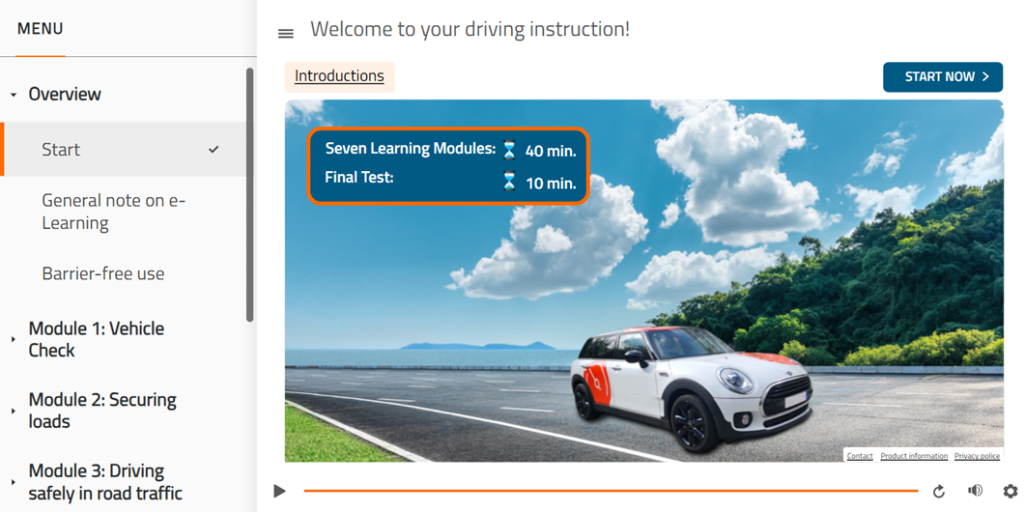
At the bottom right is the “Contact” tab, which redirects you to a contact form. There you can provide feedback, report a technical problem, or ask a general question.
Click on “Start now” to begin the training. The “Instructions” tab is also located in the top navigation bar.
If you are unsure about how the driver training works, you can refer to the “Instructions” tab at any time.
All topics are visible in the menu overview. The learning modules are viewed one after the other. Once a topic has been completed, it can be accessed again at any time – the menu adapts flexibly to suit your needs.
Learning Modules
Step 1 – Learning modules consists of a total of seven modules, which must be viewed in their entirety. The approximate duration of each module is indicated at the bottom right. Click on “Continue” to start the respective module.
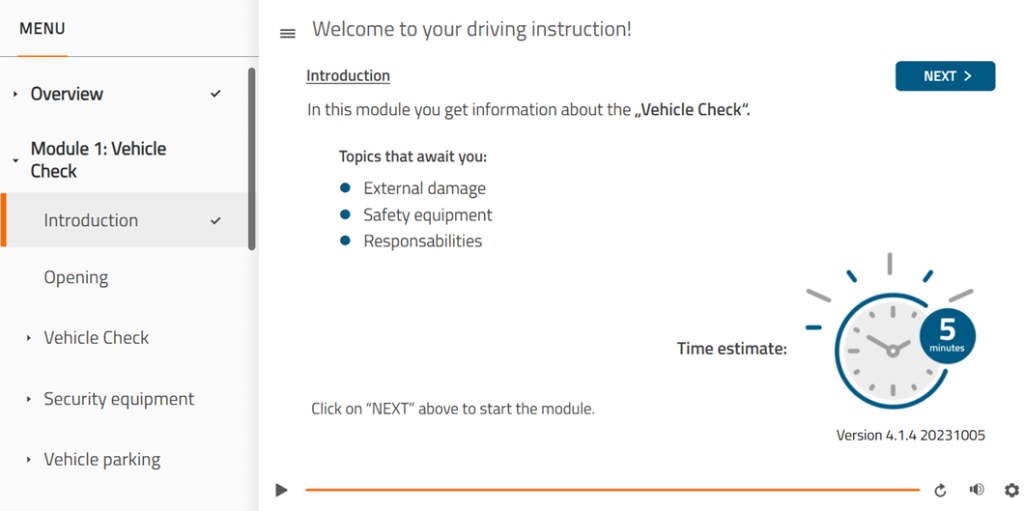
Each module begins with a brief overview of the topics covered and the duration of the module.
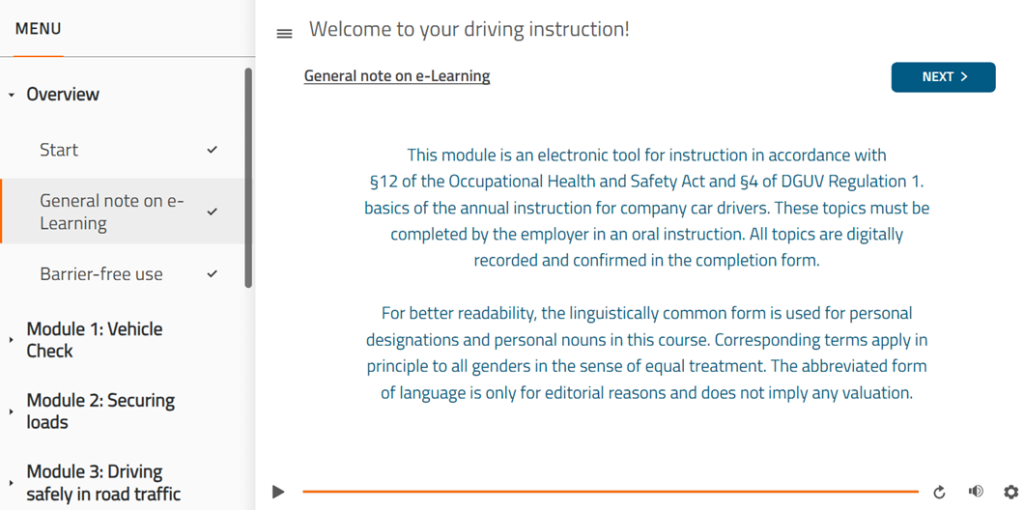
Click on “General information” for further information on driver training regulations.
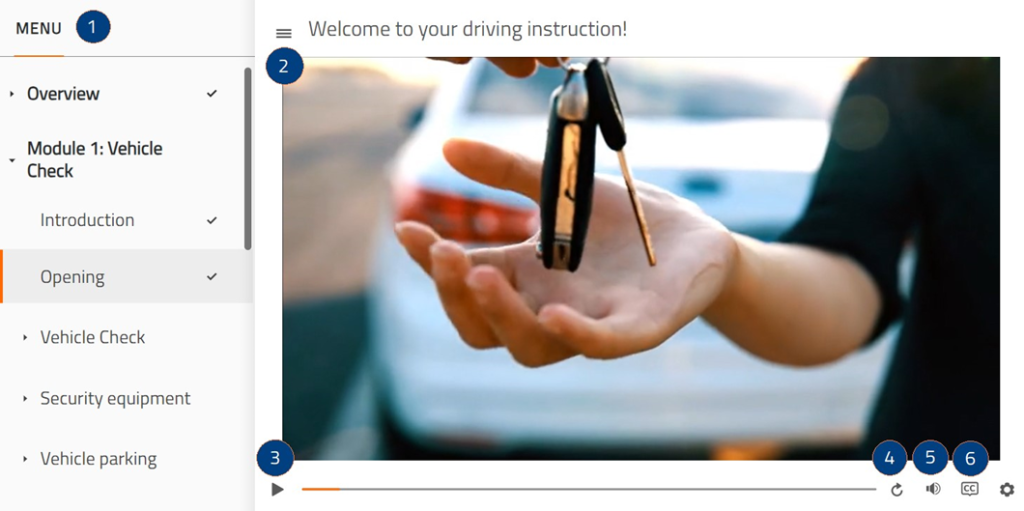
The module view also has the following elements:
- Expand menu
- Collapse menu
- Pause module
- Repeat current topic chart
- Adjust volume
- Turn subtitles on/off
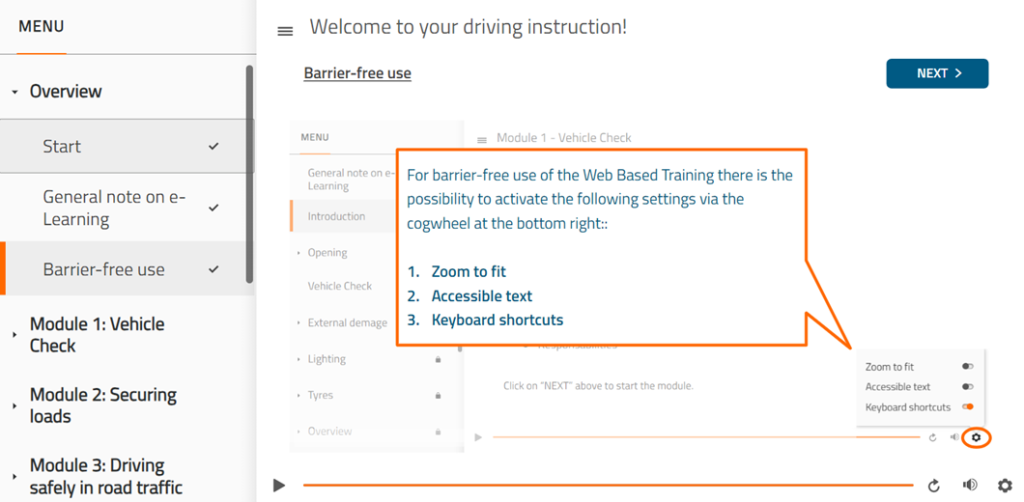
The learner can select additional functions via a settings icon in the bottom right-hand corner to ensure the most accessible use possible.
The following functions can be activated or deactivated using a lever:
- Zoom to fit
- Set accessible text
- Use keyboard shortcuts
The modules can be repeated at any time. After an interruption, the module can be continued where the learner left off.
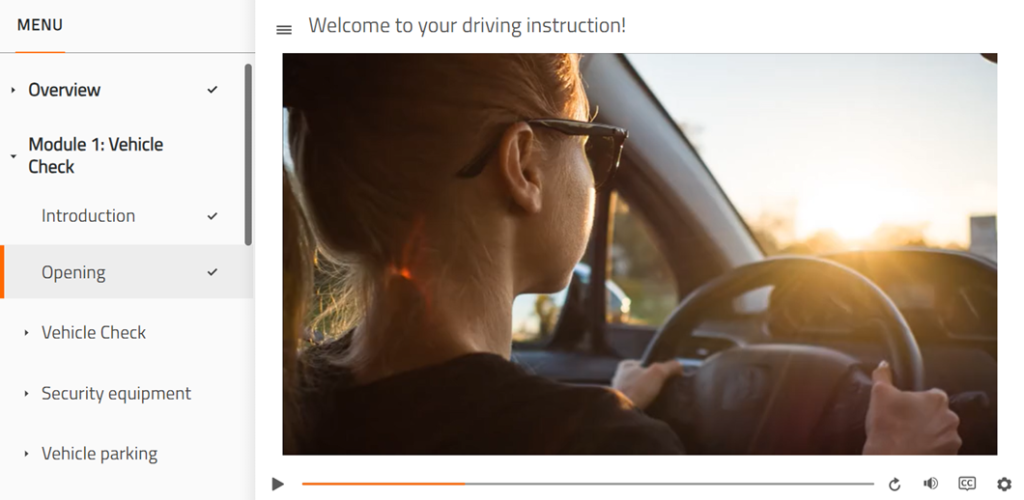
Once a module has been completed, a check mark appears next to the completed topic in the menu.
Final test
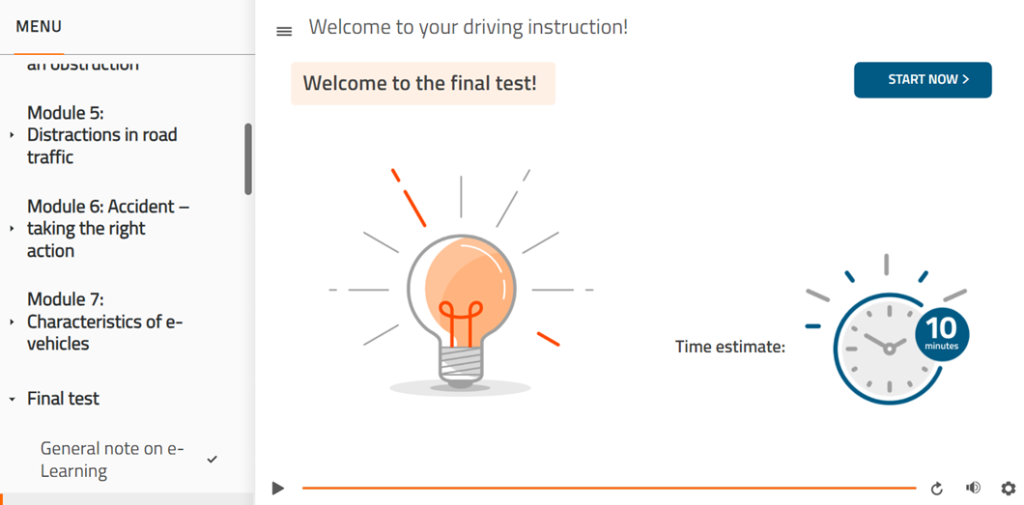
Step 2 – Final Test will only be activated once all seven modules have been completed.
Click on “Start now” to begin the test. This is a multiple-choice test with exactly 10 questions (selected at random).
If 80% of the questions in the test are answered correctly, the test is considered passed. You have a total of three attempts to pass the test.
DAS KÖNNTE SIE AUCH INTERESSIEREN
Rechtliche Grundlagen
Warum müssen Fahrerunterweisungen durchgeführt werden?
Wie häufig müssen Ihre Mitarbeiter unterwiesen werden?
Zurück